HOW TO GUIDE:
Maximize Your HIMSS26 Presence with Feathr
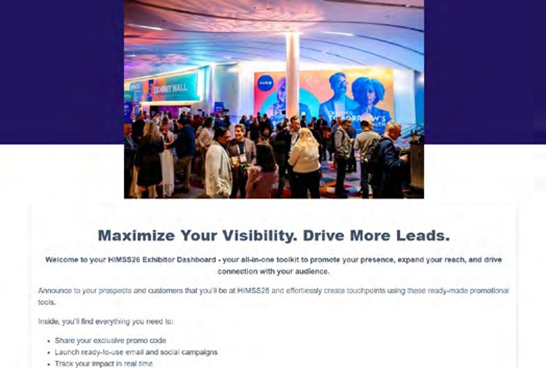
Your HIMSS26 success starts now – before you even hit the show floor. With Feathr, you have everything you need to spread the word, invite your network, and drive qualified traffic to your booth.
GETTING STARTED
1. Visit Your Partner Dashboard
You should have received your dashboard link via email from our partner, Feathr. New partners will be sent their dashboard links shortly after signing up.
2. Review and Update Your Information
Click “Edit My Information” to review the information we have on file for you, such as Name,
Email, Website, and Description.
Some of this information is leveraged to dynamically create your marketing collateral. 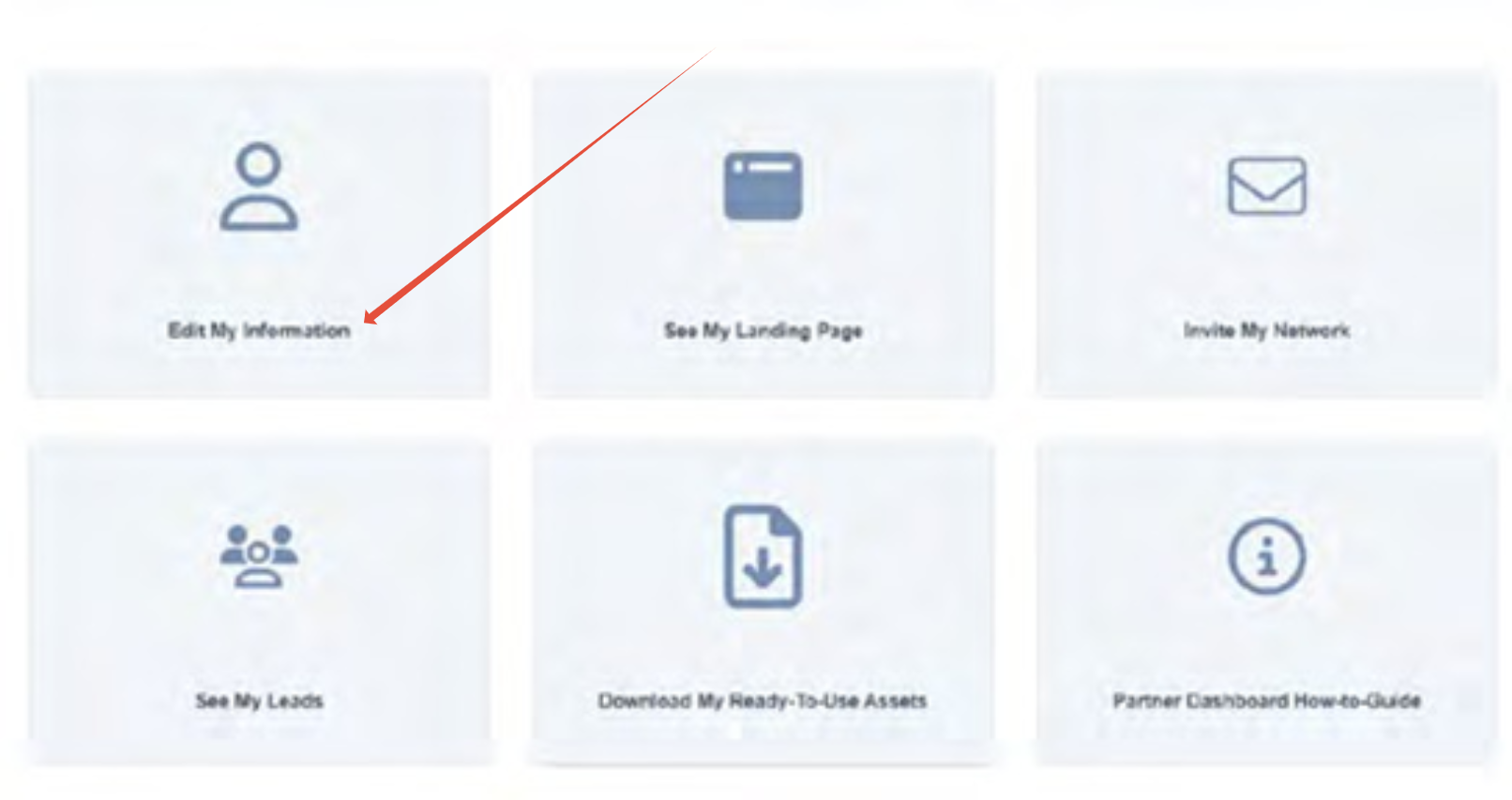
3. Share Your Marketing Collateral
You’ll have access to custom collateral, such as landing pages, email invitations, and ads that you can use to promote your presence at HIMSS26.
Best Practices for Promotion
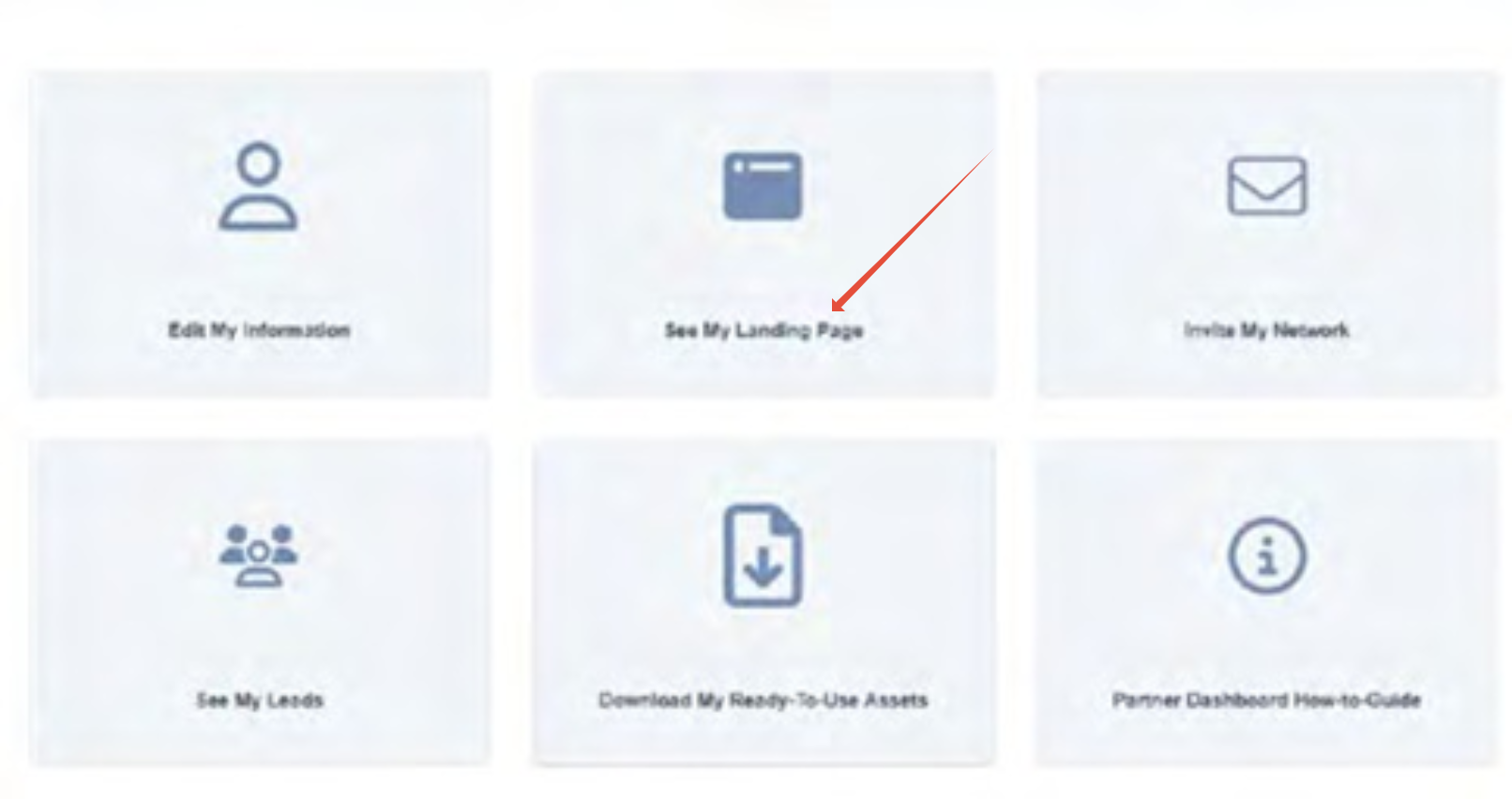
Share your landing page on social networks directly with your key contacts.
Click “See My Landing Page” to copy your link or hit share to post to your preferred social platform.

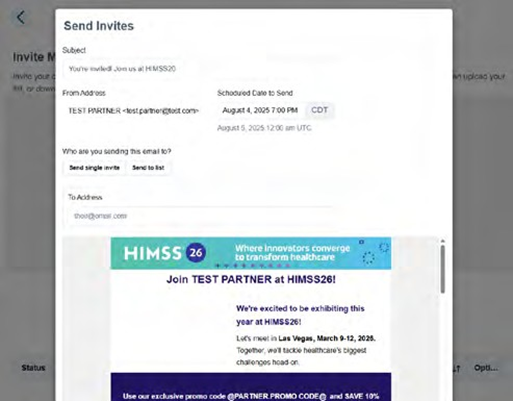
Share your email invitation with customers and prospects on your email list.
Click “Invite My Network” and select “Send invites” to preview, export, or send your customized HTML email.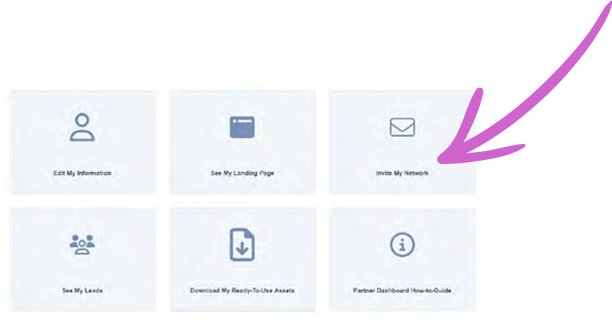
Add banners to your social pages and your website, and leverage ready-made creative assets for social media posts.
Click “Download My Ready-To-Use Assets” to view and access.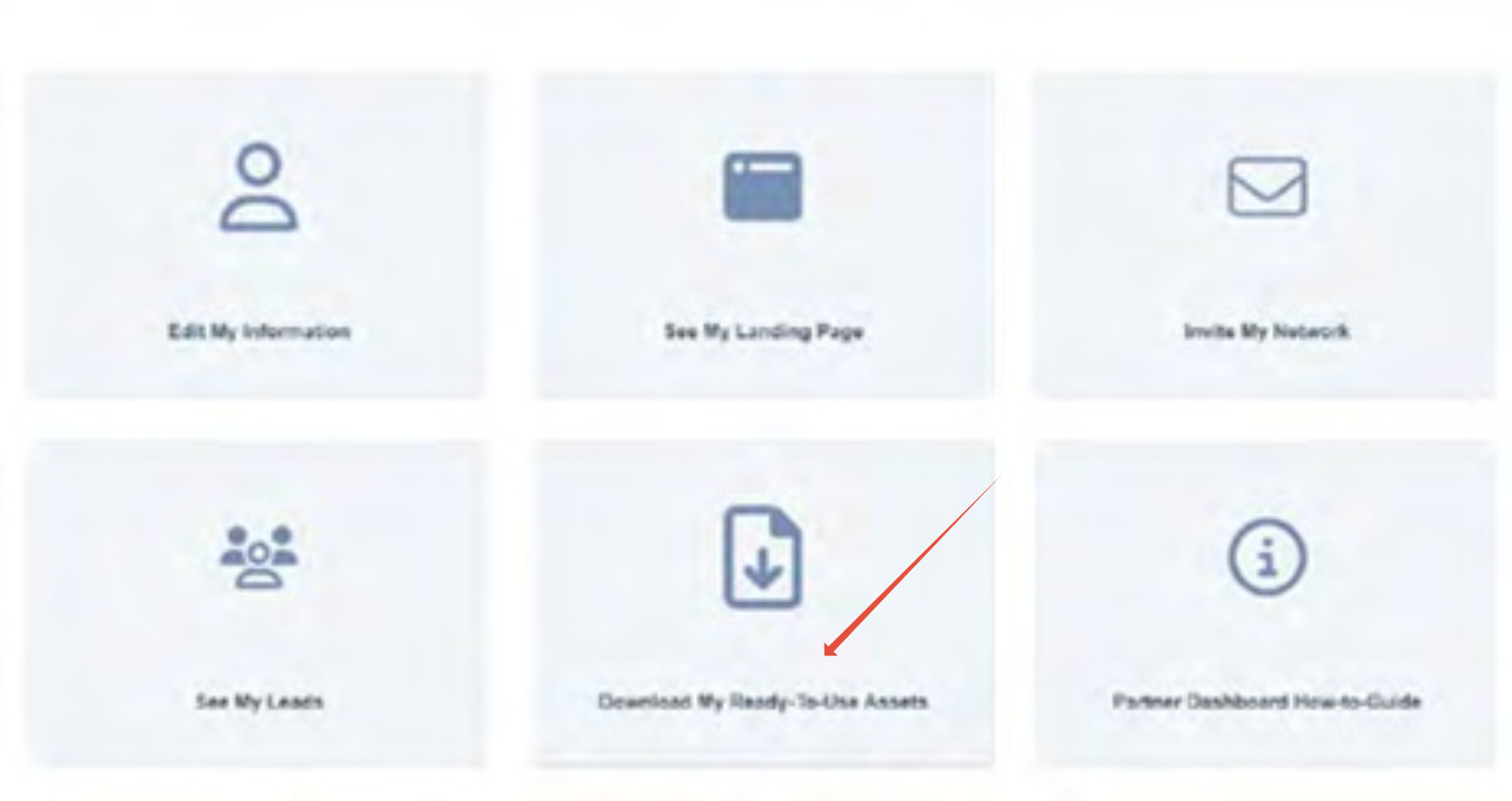
For further support, please contact clientservices@feathr.co or HIMSSCustomerSuccess@informa.com.
For further support, please contact clientservices@feathr.co or HIMSSCustomerSuccess@informa.com.
Was this article helpful?
That’s Great!
Thank you for your feedback
Sorry! We couldn't be helpful
Thank you for your feedback
Feedback sent
We appreciate your effort and will try to fix the article